One chat. Every app.
Superapp is the chat that manages your applications: expenses, Microsoft 365, task management, your phone system — each onboarded with a manifest, each getting the same typed interface, the same permissions, and the same human confirmation on anything consequential.
What it does
Any app, one manifest
An application joins the chat by registration, not by rebuild: apps with an MCP connect directly, apps with an API get one generated — expense, Microsoft 365, task management and the 3CX phone system already run on these rails.
Expenses: the proof tenant
Draft a claim, upload the receipt, review the OCR extraction, submit, approve, return, recall — the whole lifecycle runs in chat against a real backend with a full audit trail.
Real UI inside the chat
Lists render as typed tables, budgets as dashboards, decisions as confirmation cards — authored by the backend and validated before rendering. The model never invents a button.
One-click, zero guesswork
Buttons like “Next page” execute the exact backend call they were built from — no model in the loop. Anything consequential still stops for a human confirmation, in every app, always.
Allowed to see, allowed to do
The assistant can read what you may read and do what you may do — real permissions enforced by the backend, human confirmation on consequential actions, and an audit trail that remembers who did what and why.
Self-hosted intelligence
Runs on self-hosted language models. Your prompts, documents and numbers stay on your infrastructure — never a lab’s training set.
See it working — 15 recorded walkthroughs
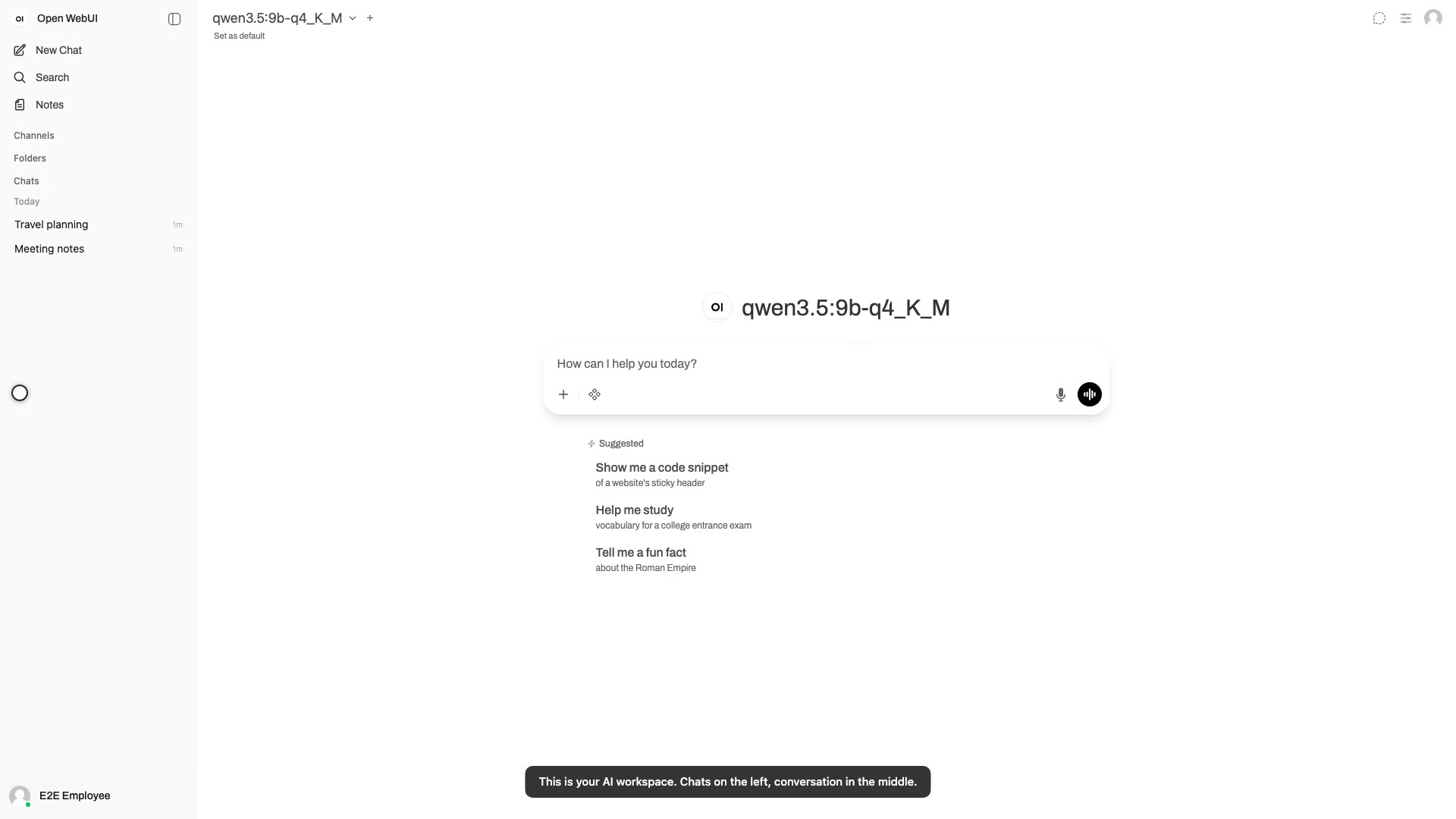
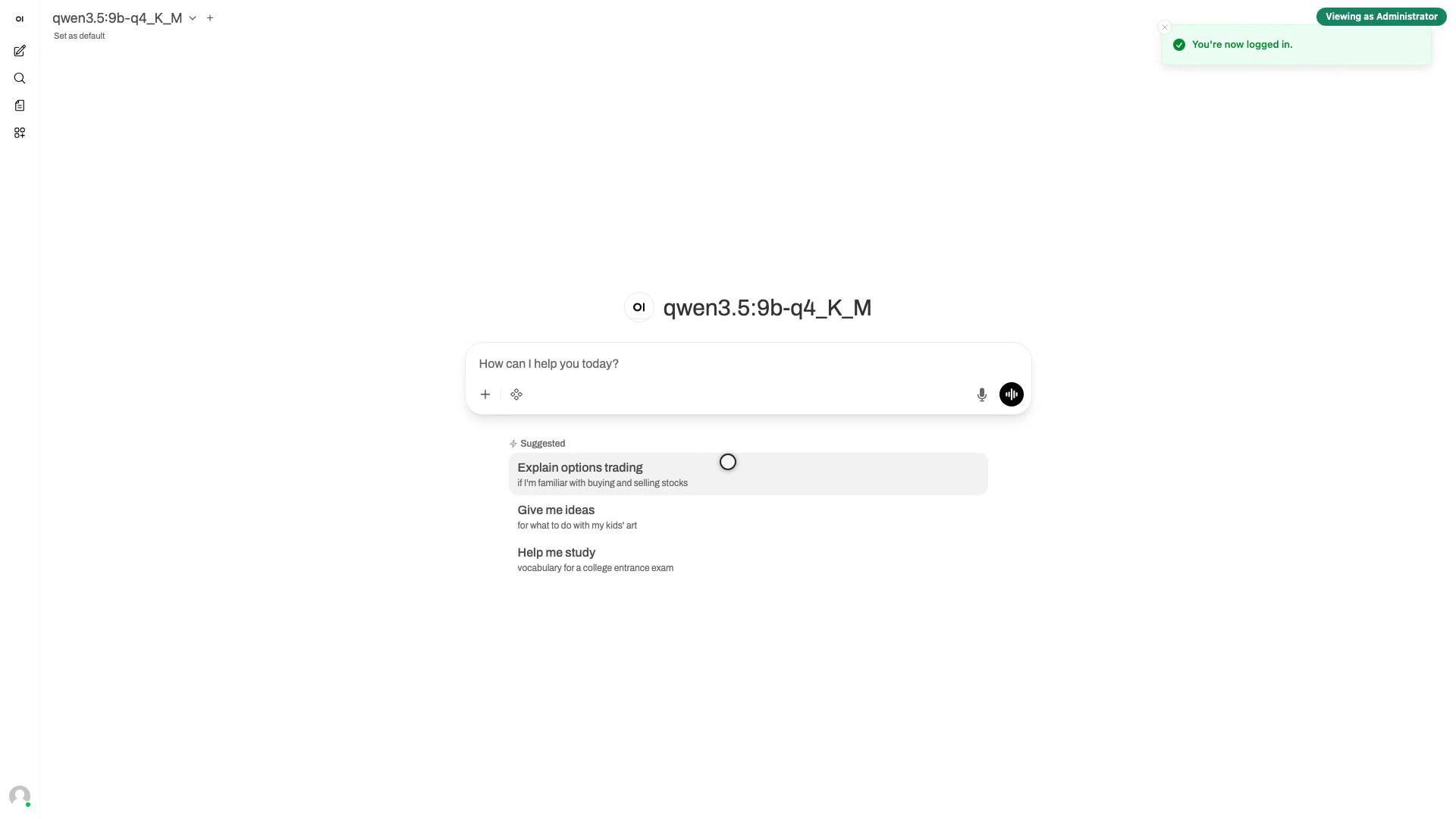
Getting Started and WebUI Overview
Your first five minutes: sign in, find your way around the workspace, chat with the self-hosted model, and switch on the Expense tools.
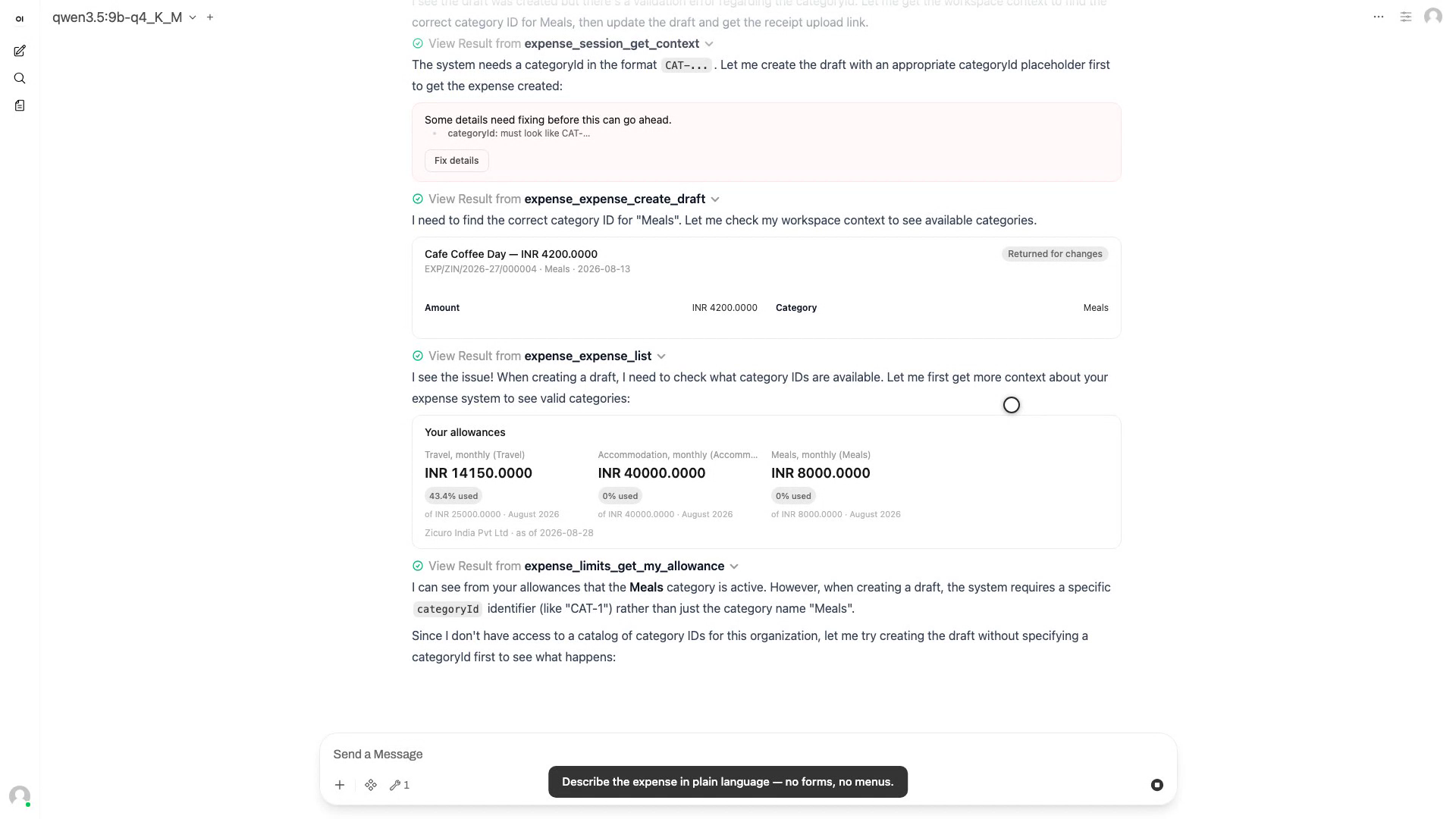
Submitting an Expense
From a sentence to a submitted claim: draft it in plain language, attach the bill from your phone, review what the OCR read, and submit — with your explicit say-so.
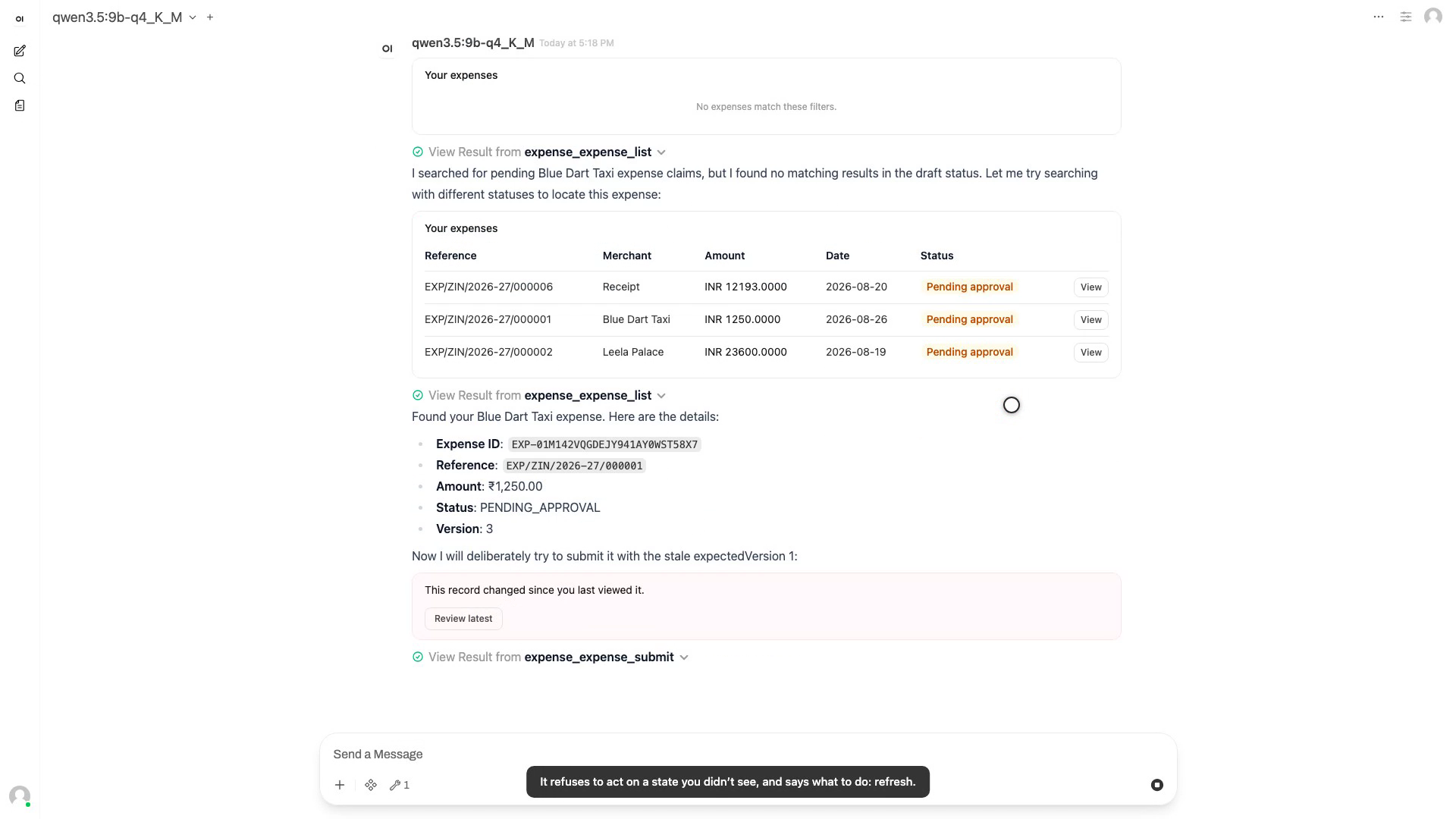
How the Assistant Shows Problems
Three kinds of refusal, all honest: a claim that changed under you, a claim with missing fields, and an action the state machine forbids.
Chat With a Document
Attach a policy document and ask questions against it — the answers come from your file, with the numbers to prove it.
Admin Overview
Where administration lives: user accounts and roles, workspace settings, and the tool-server connections that power the assistant.
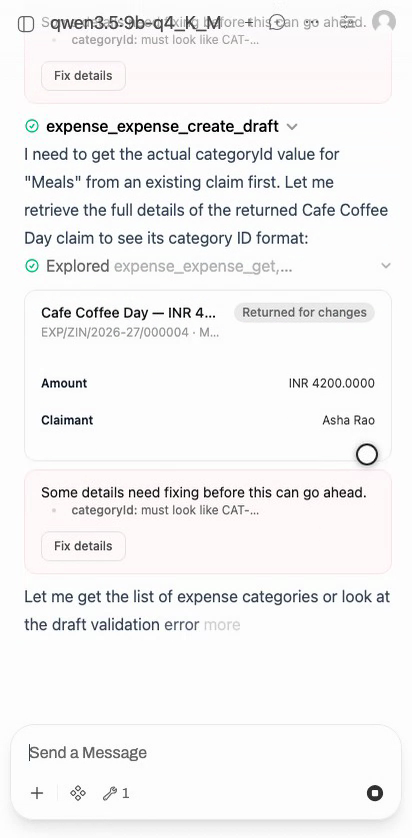
Expenses on a Phone
The same expense flow on a phone: chats in the drawer, the claim drafted in conversation, the receipt captured with the camera.
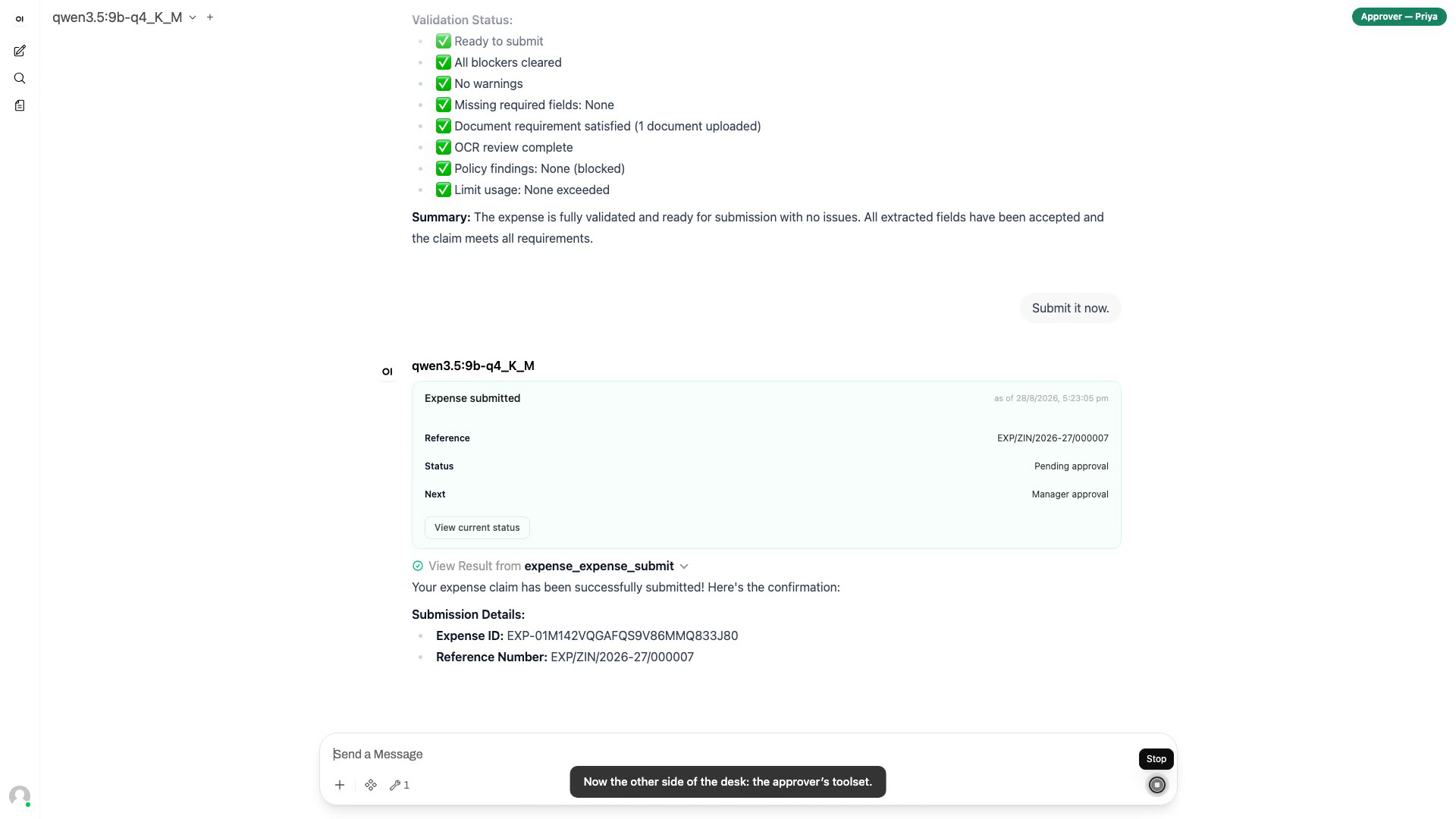
The Complete Expense Journey
The flagship, end to end: a scanned hotel bill becomes an approved claim — claimant and approver, each working in their own conversation, one shared audit trail.
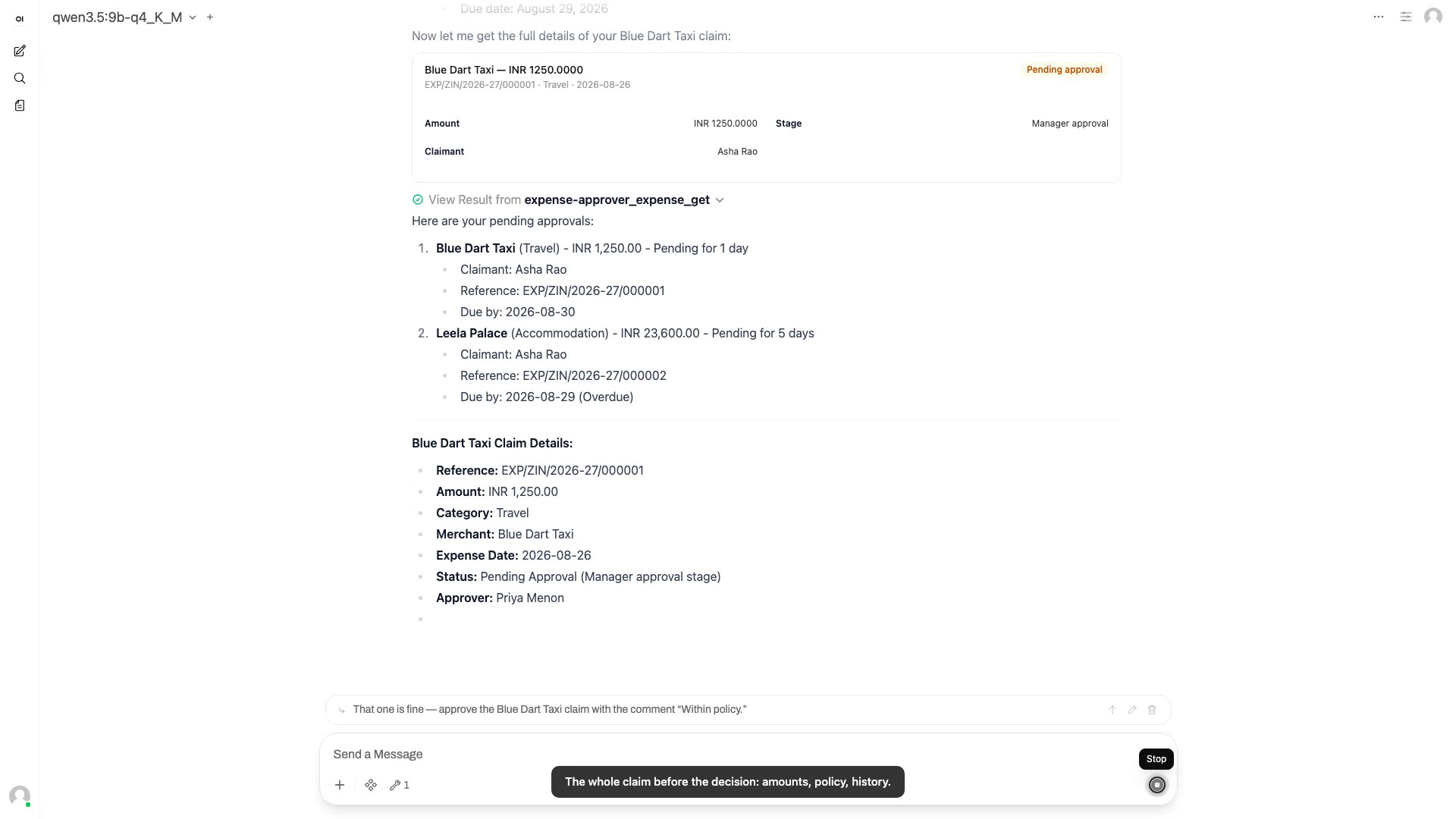
The Approver's Desk
An approver's morning in one conversation: the pending queue, a full-context decision, an evidence request, and a return with named fixes.
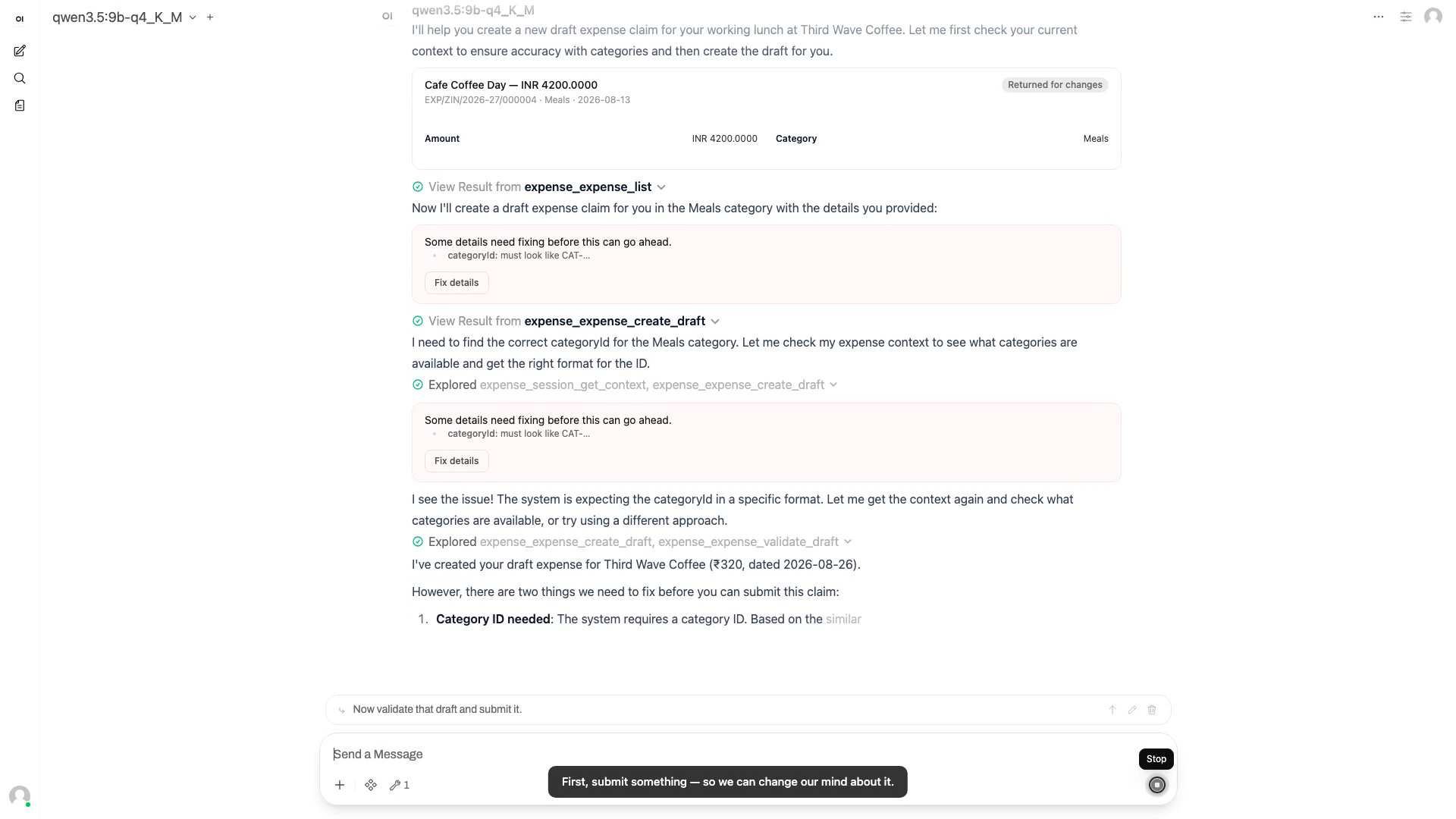
Recall, Limits, and Your Action Items
The safety net: take back a submitted claim with a reason, read the timeline, ask the budget question, and check the conversational inbox.
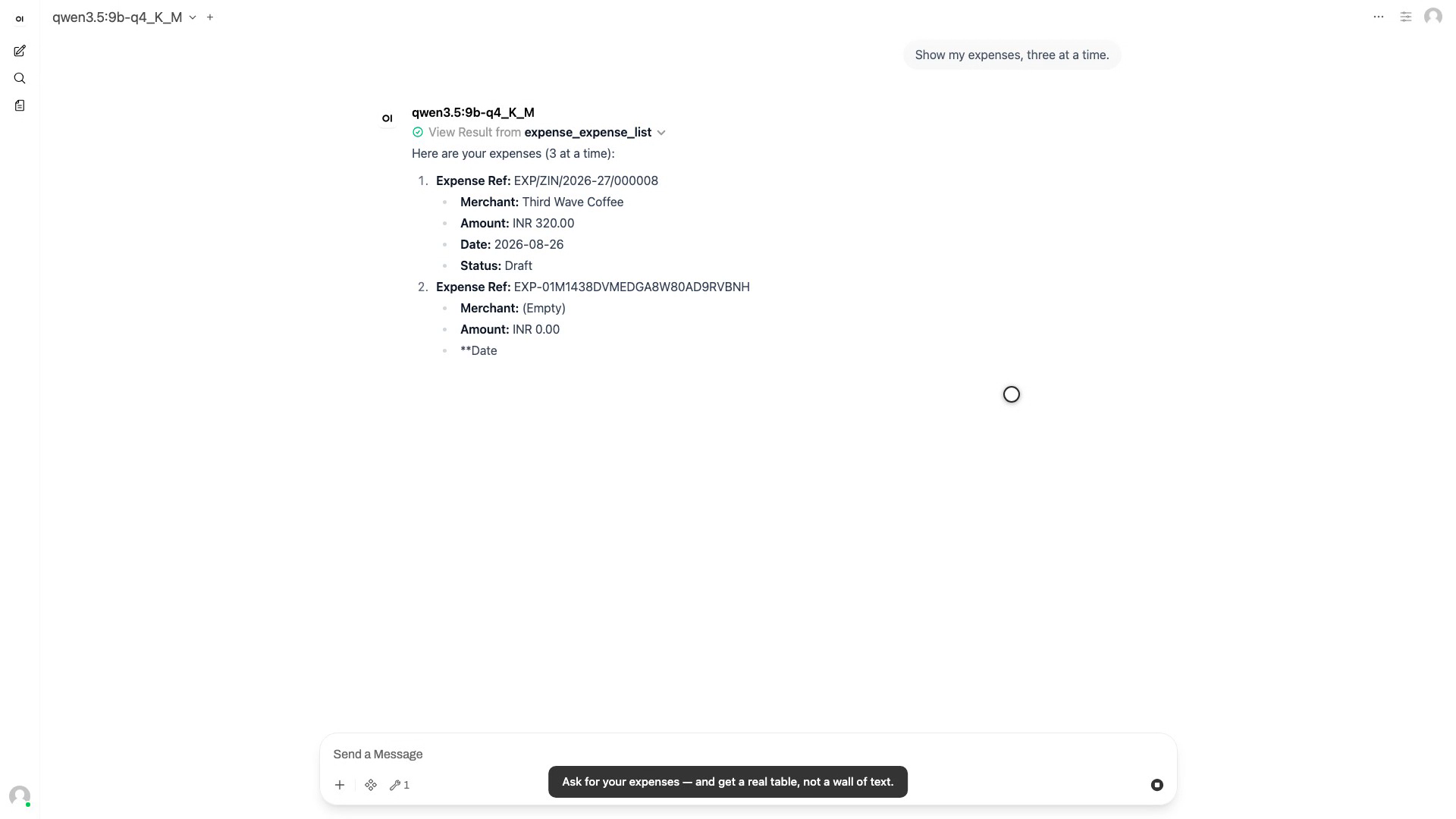
Dynamic Tables and One-Click Actions
The chat renders real interactive UI: a typed table for your expense list, a Next-page button that executes directly against the backend with no model in the loop, row-level View actions, and a live budget dashboard.
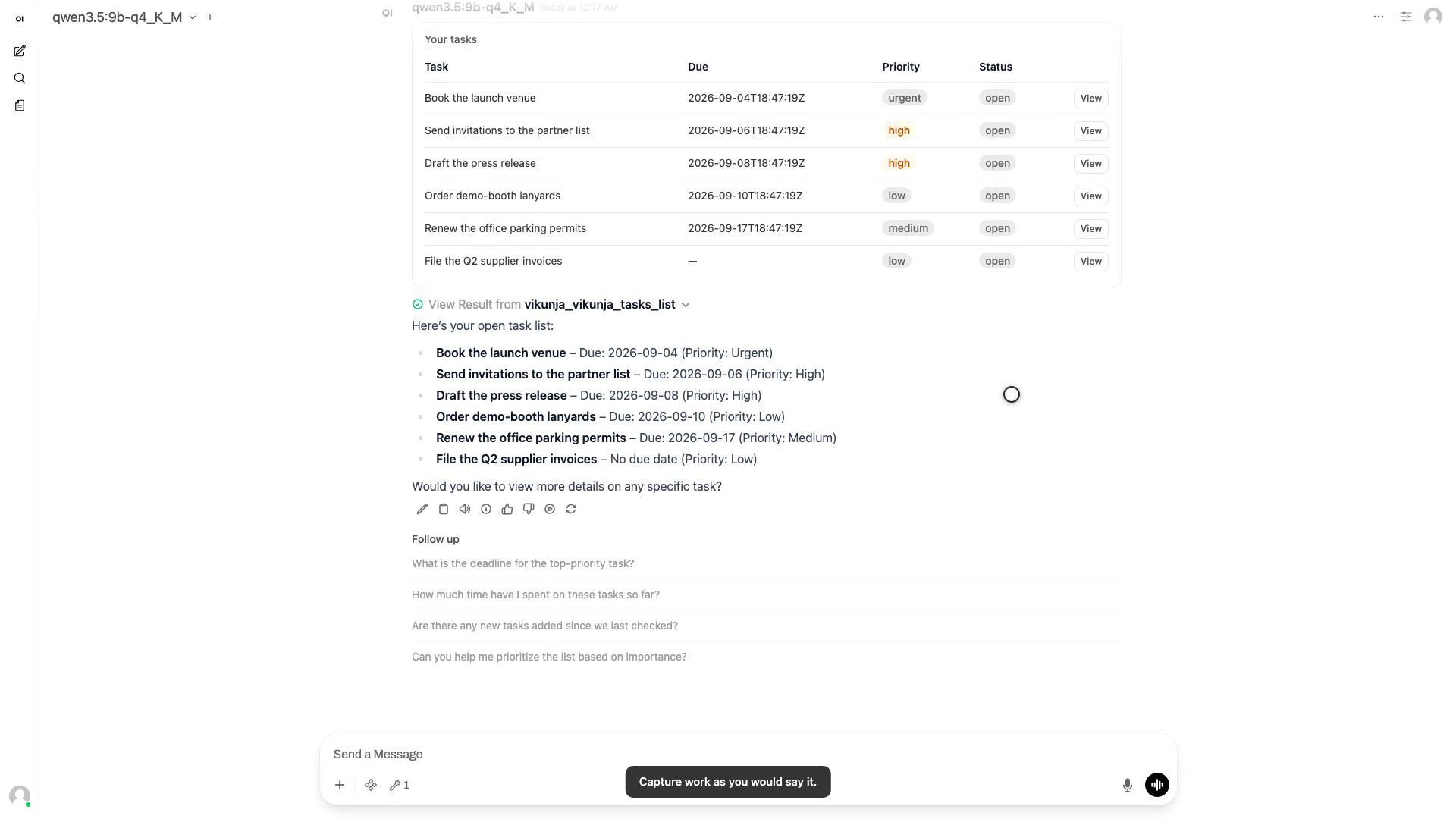
Task Management on the Same Rails
The superapp is the platform, not one app: a task manager onboarded through the manifest layer gets the router, the typed table cards and the confirmation gate for free — the same guarantees expense proved.
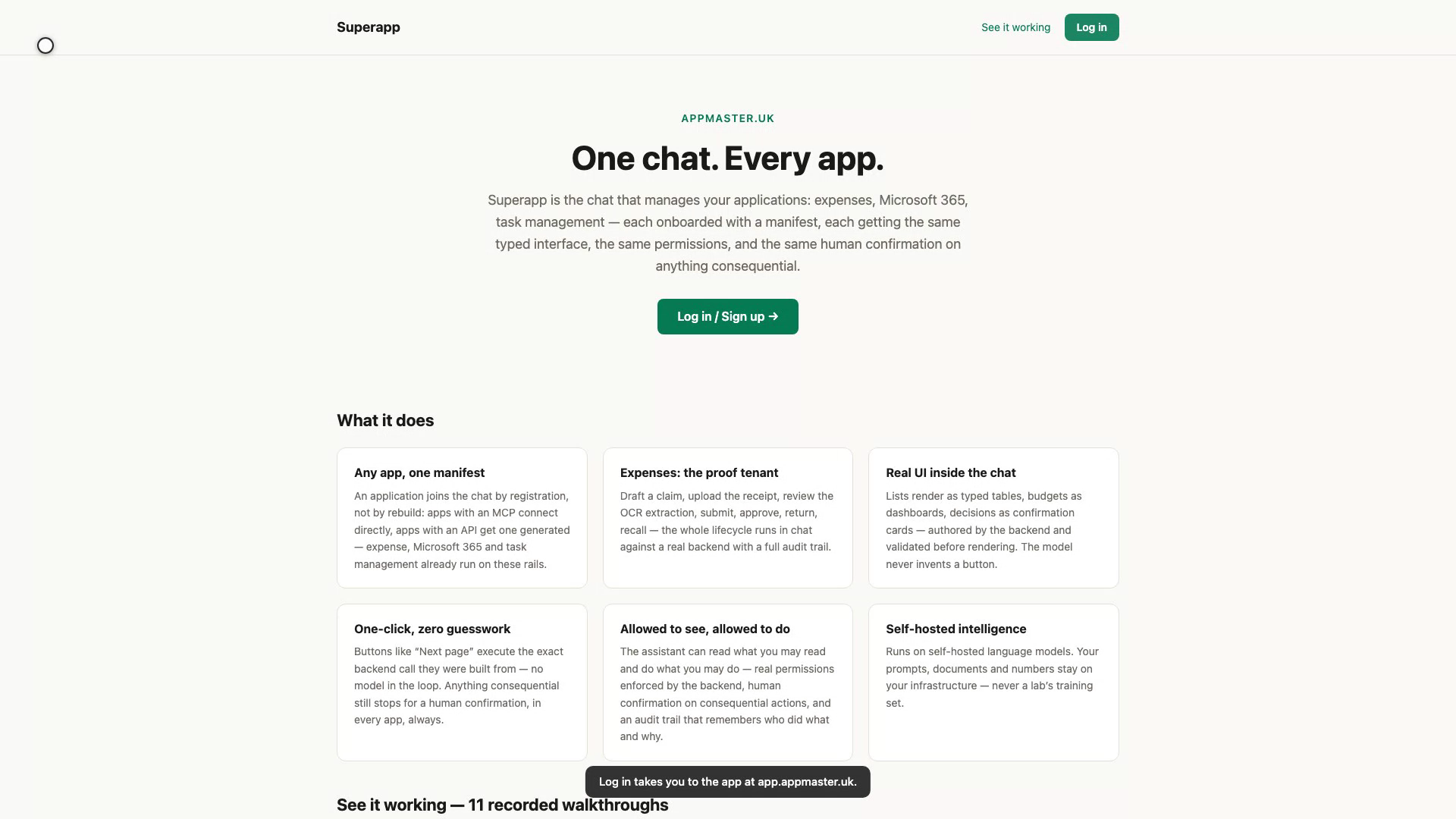
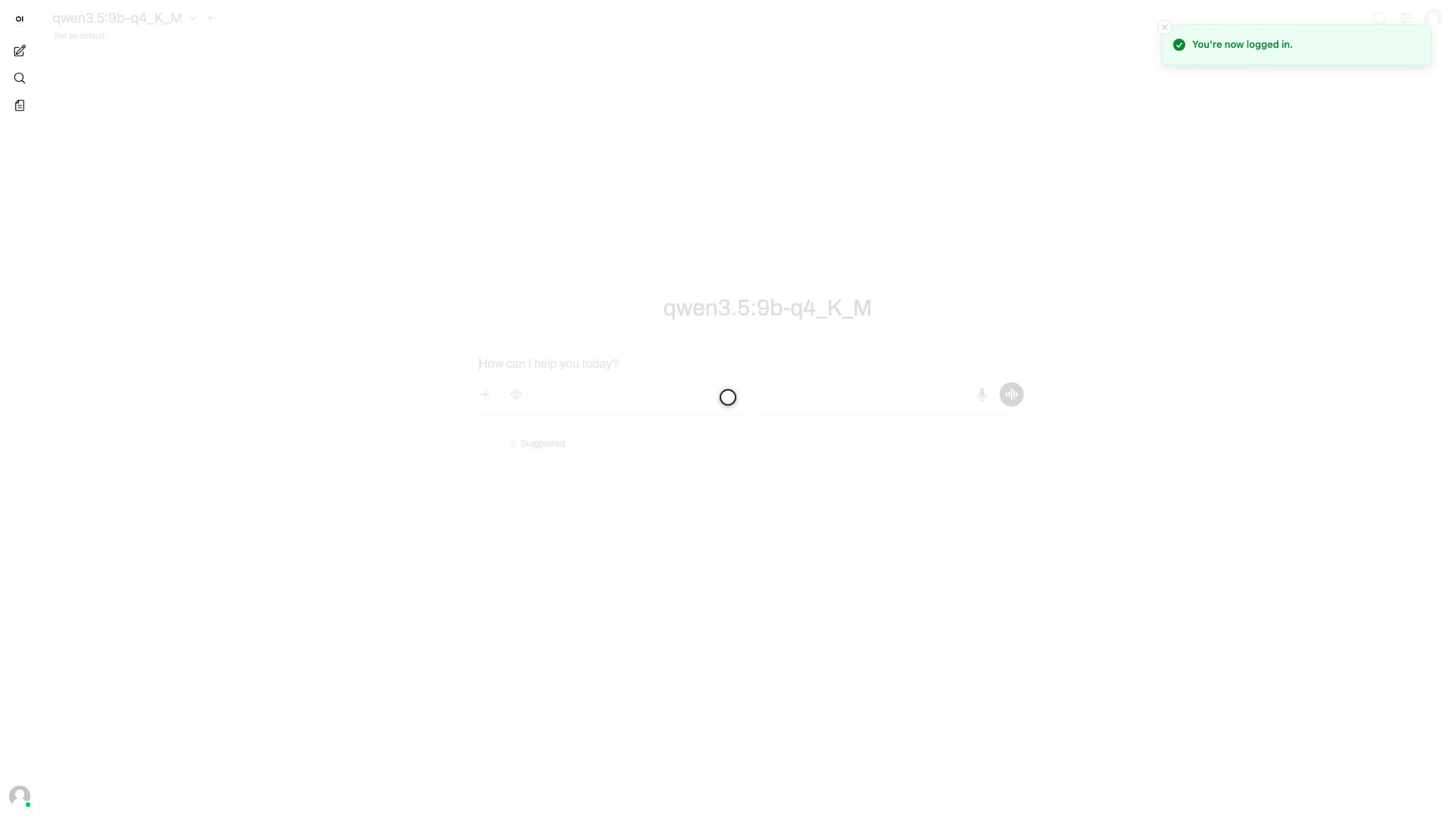
Signing in with Google or Microsoft
The public front door: appmaster.uk's Log in button leads to app.appmaster.uk, where sign-in is Google or Microsoft SSO only and new accounts wait for admin approval.
Live Notifications in the Events Channel
The sidebar's channels are the always-on notification feed: every app gets one, and events arrive the moment they happen — no refresh.
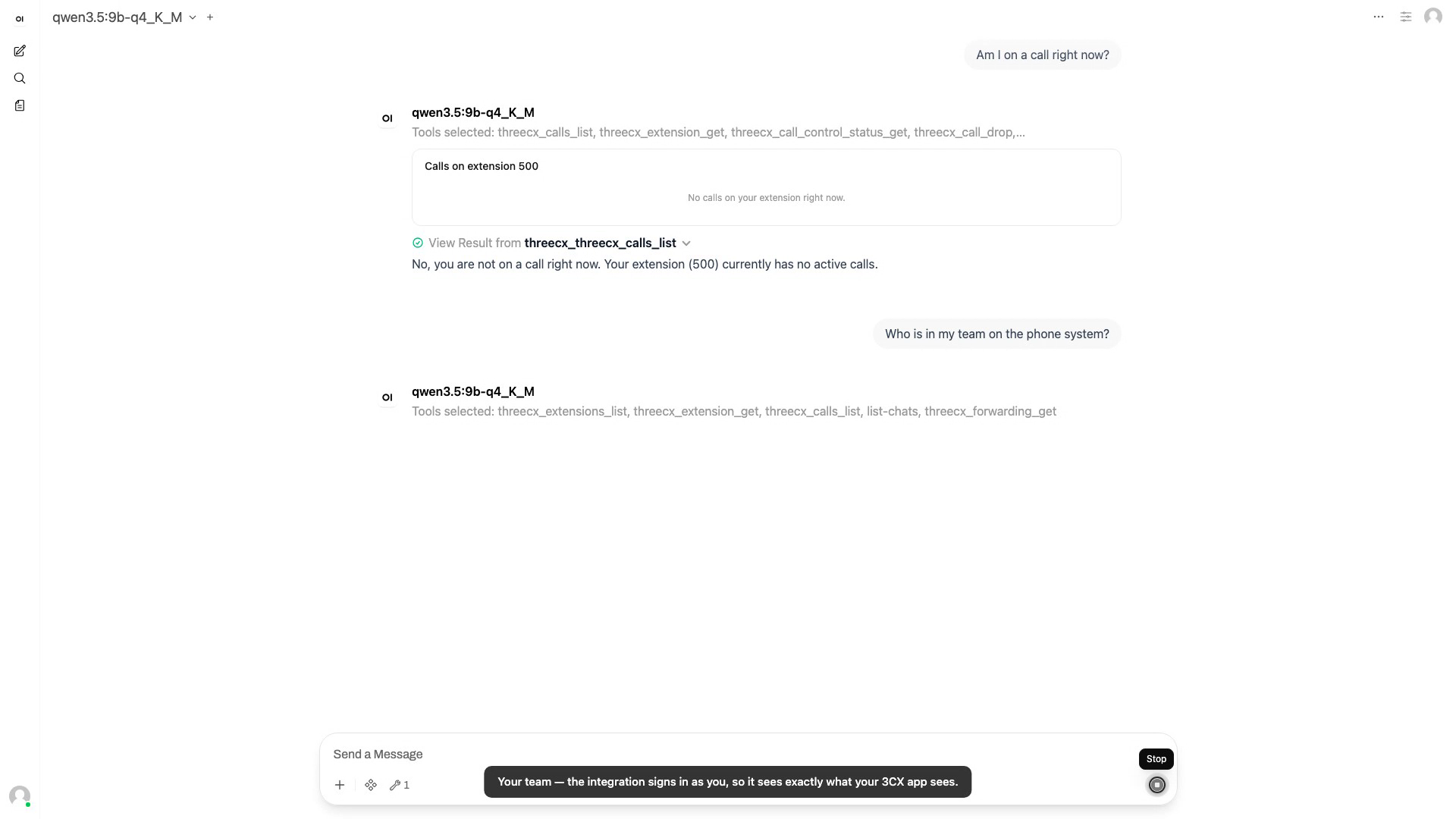
Your Phone System in Chat
The platform reaches a system nobody would rebuild — the office phone system. 3CX was onboarded through the manifest layer over its own APIs, and gets the router, the typed table cards and the confirmation gate for free. The integration signs in as you — your own 3CX login, no admin credential — so it has exactly your rights.
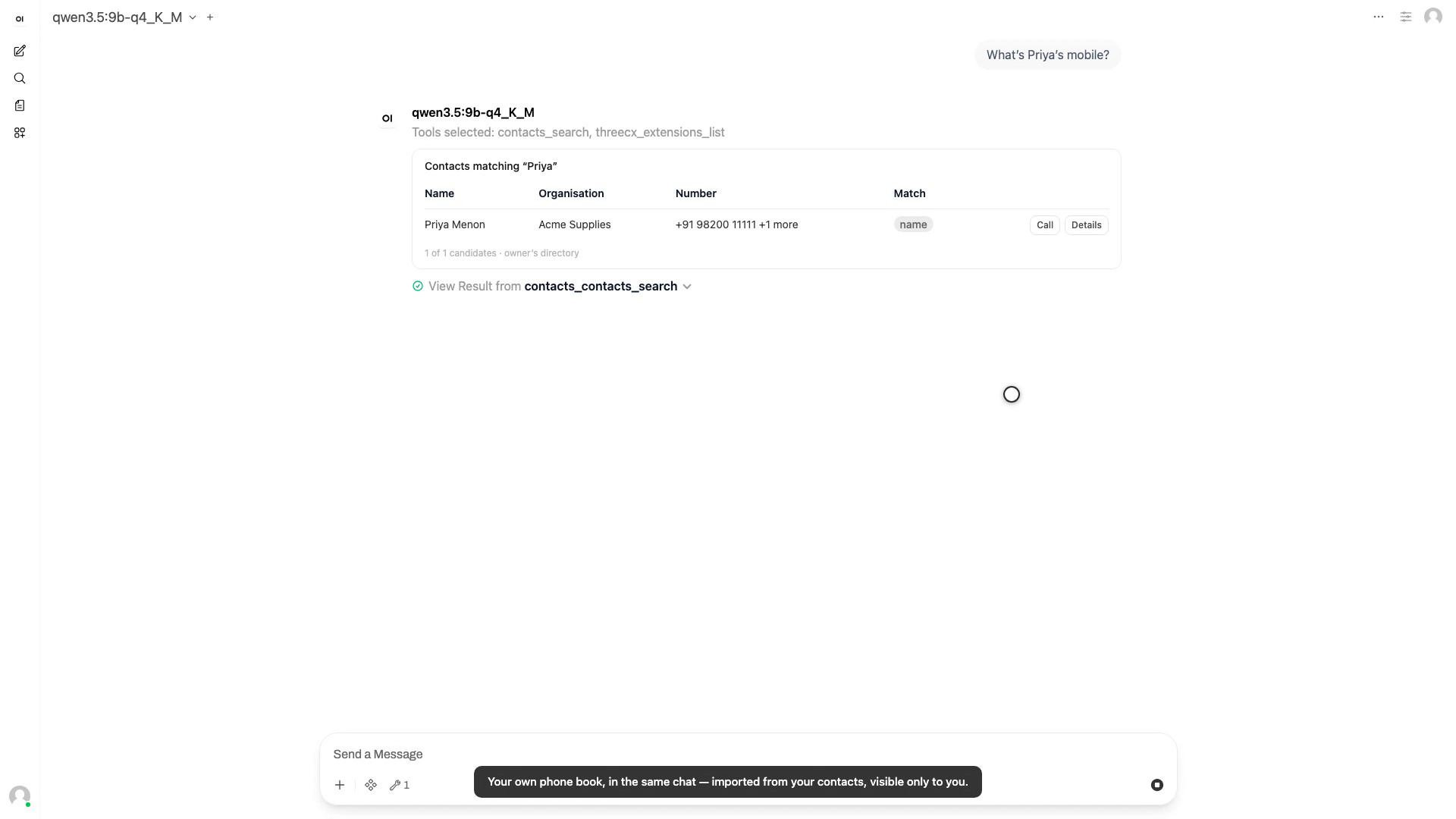
Your Directory, Dialled From Chat
The owner's own phone book becomes an app on the platform: their contacts export is imported into a private, self-hosted vector store and searched from chat by name or by number; a Call button hands the number to the phone system, which stops at the confirmation gate. Recorded on a synthetic directory and a fake PBX — nothing rings.